
Do you think you have enough knowledge about how the team members utilize company resources? Do you want to be able to gather more accurate and pertinent data?
It doesn’t matter if your company’s big or small—your employees drive everything. The way they work each day shapes your productivity, keeps your clients happy, and decides how much you earn.
You need a time-efficient, inconspicuous control to propel your business to success. You will most likely try to follow computers since they are the primary work tools in many sectors. There are a number of supervision methods that don't require monitoring software. However, the question, "How to monitor employee computer usage?" has a superior response.
Why Is Monitoring Computer Activity at Work Necessary?
Despite being frequently discussed in relation to remote work, computer usage monitoring is advantageous for the office environment as well since it enables business leaders to:
To make accountability a reality time tracking software plays a crucial role.. When employees are aware that they are being watched over and that their team performance is under scrutiny, they are more likely to check every box.
To calculate productivity. Metrics obtained from computer usage tracking software show which employees do exceptionally well and which ones perform poorly.
To establish a system of equitable acknowledgment. Your employees are kept motivated by both little and large prizes, and you have the opportunity to support dedicated employees who may not have received recognition up to this point.
To give timely guidance. If you provide underperforming employees the right training to overcome their current challenges, they might become superstars.
To balance the Workload. Computer Usage tracking provides information about overtime time tracking and potential burnout so you can take care of the problems before it's too late.
To lower labor expenses. You can save expenses by eliminating lazy employees and even entire tasks or by implementing a more precise and economical salary structure as you don't want to pay for idleness.
To cut down on operational costs. You may avoid paying for needless licenses and subscriptions by reconsidering how you use apps and internet services.
To eliminate factors that hinder productivity. Certain distractions, including social media, instant messaging, or news websites, can be prohibited for a team or individual who isn't performing well.
To welcome working from home. Using computer activity monitoring to include WFH or hybrid work options can make it easier for you to recruit and keep personnel.
To identify potential security threats. Hackers can gain access to your networks and systems through routine activities like processing emails, downloading apps, and visiting websites, so you should be cautious.
To stop cyberattacks and data breaches. Software that monitors computer activity can often help you prevent dangerous user behavior.
What Does Computer Monitoring Software Do?
We must first understand what computer usage tracking performs and how it will help you. Let's examine employee computer monitoring software from the inside out.
Software for screen monitoring makes it easier to monitor when your team members log in and out. This ensures that they are working the minimum number of hours required by your company's policy.
An effective computer usage tracker will keep an eye on how much time your employees are devoting to each project and whether it's sufficient.
It records the websites that are visited. By providing you with a thorough report, the software assists you in determining which URL is helpful.
Additionally, smart computer screen trackers record calendar events, email subject lines, and message channels used by your team members.
Your employees' whereabouts are likewise monitored by this software. It determines how productive your team members are for desktop jobs and whether or not they spend less time in front of a computer screen. It keeps track of whether or not employees are working in the field.
Software for employee computer monitoring and tracking keeps an eye on how your team uses their devices.
How to Track Your Employees' Computer Screen Smartly?
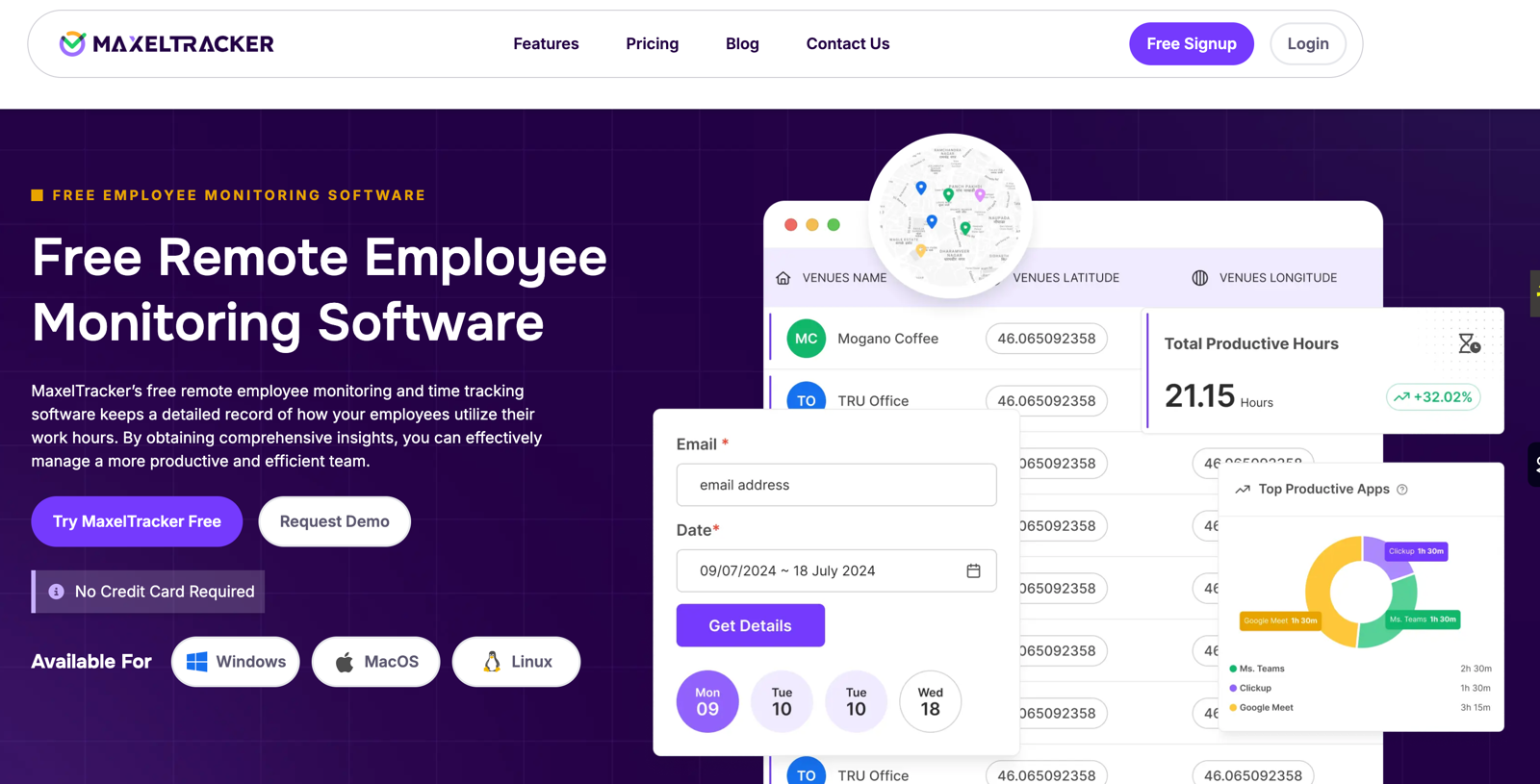
Computer Usage monitoring software, like MaxelTracker, is quite helpful when it comes to tracking intelligently in your business and increasing efficiency. Let's examine how this software for employee computer monitoring accomplishes this.
To help you understand why MaxelTracker is the best computer monitoring software, below is a quick summary of these capabilities.
1. Stealth Mode:
MaxelTracker can be made invisible to employees by setting it to stealth mode. It operates in the background and cannot be turned off by the user, which is one of the reasons it is the greatest computer monitoring software for businesses.
2. Working and Idle Hours:
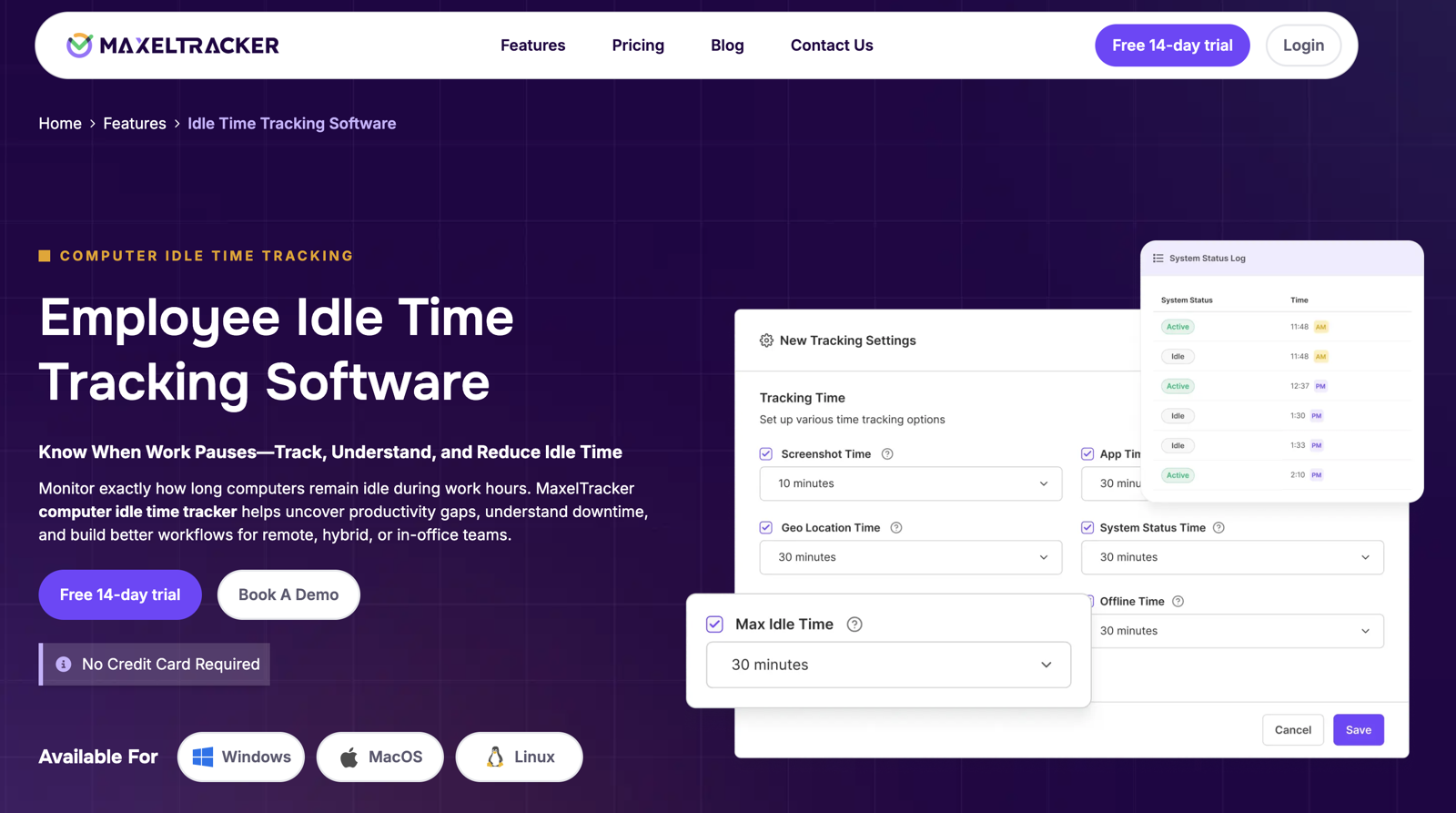
If your team members just work, they will experience burnout. But excessive inactivity is likewise unproductive. This computer screen tracking software helps you determine employee productivity by keeping track of computer usage and non-working hours.
3. URL Tracking:
Another useful feature of this employee computer usage software is its ability to track internet usage. URL tracking enables you to determine the usefulness of the website you are visiting.
4. Screenshot:
MaxelTracker occasionally snaps screenshots of the computer screen. This makes it easier to assess how much your team members are contributing to your business because you'll be able to tell if any pointless sites are being viewed.
5. Desktop Activity Log:
The software assists in maintaining a record of your employees' work usage, which is helpful for user behavior analytics.
6. Online and Offline Tracking:
In the scenario that the internet is unavailable for whatever reason, DeskTrack still functions. This function is clever since the employee will still be monitored even if they cut off the connection. Additionally, once you turn on the internet, the data will synchronize.
7. Application Tracking:
Employees open a variety of applications throughout business hours. MaxelTracker monitors all of them in the same way that it tracks URLs, which is another reason it's the finest employee monitoring software for businesses.
Conclusion
And that wraps up the smart ways to track computer usage in 2026. Still wondering if MaxeTracker is the right fit for your team? No worries — MaxelTracker offers a free demo so you can explore its features before making a commitment. Take advantage of the trial, experience how it works in your setup, and use this computer monitoring software to its fullest to unlock maximum productivity benefits.





Write a comment ...