
Employee-monitoring Tool Lawyers Always Wanted
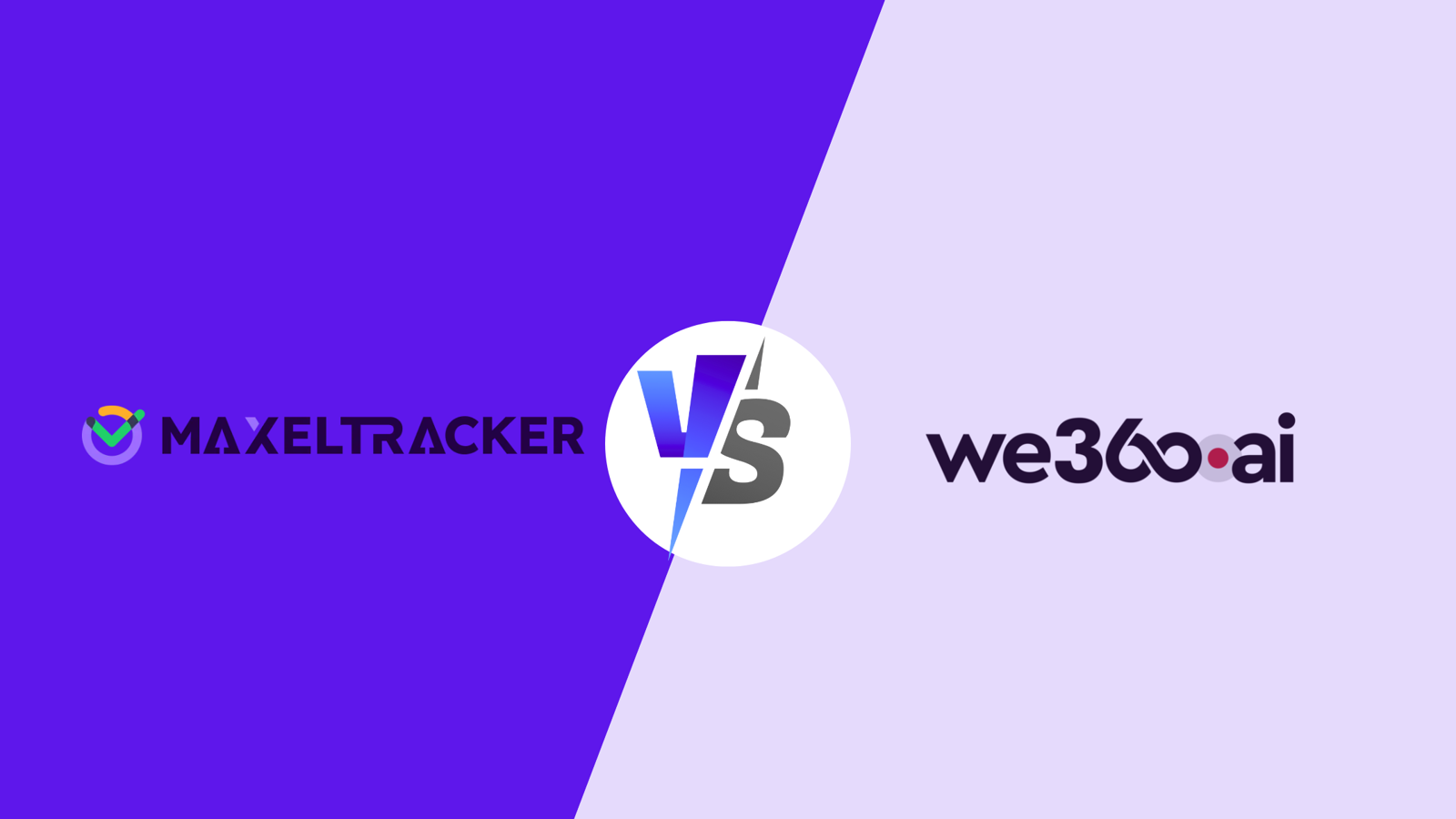
If you’ve ever felt that time is not on your side, that your teams are making mistakes every day, and that you are losing cases because of stringent deadlines, you’re not alone. There are apps like Time Doctor that give you a mountain of features you can use. You get screenshots and spreadsheets, and more. But it still leaves you somewhat guessing about what’s actually happening on your team.—this is where the comparison of MaxelTracker vs Time Doctor becomes important.
MaxelTracker, on the other hand, approaches law secretary/employee monitoring with a slightly more practical lens. It doesn’t just let you log hours or capture screens. It gives your managers real-time visibility, automated attendance, detailed activity logs, and department-level reporting. This means that you spend far less time going through reports and more time managing outcomes. Think of it as going from a blurry snapshot to a high-definition live feed of your team’s workday.
What’s the Main Difference here?
MaxelTracker: Designed Keeping Operational Clarity In Mind
This means that it’s not about throwing dashboards or charts at you just to look up-to-date or fancy.
Instead, it focuses a lot on actionable insight. These show your managers what’s happening and they know where time is being spent.
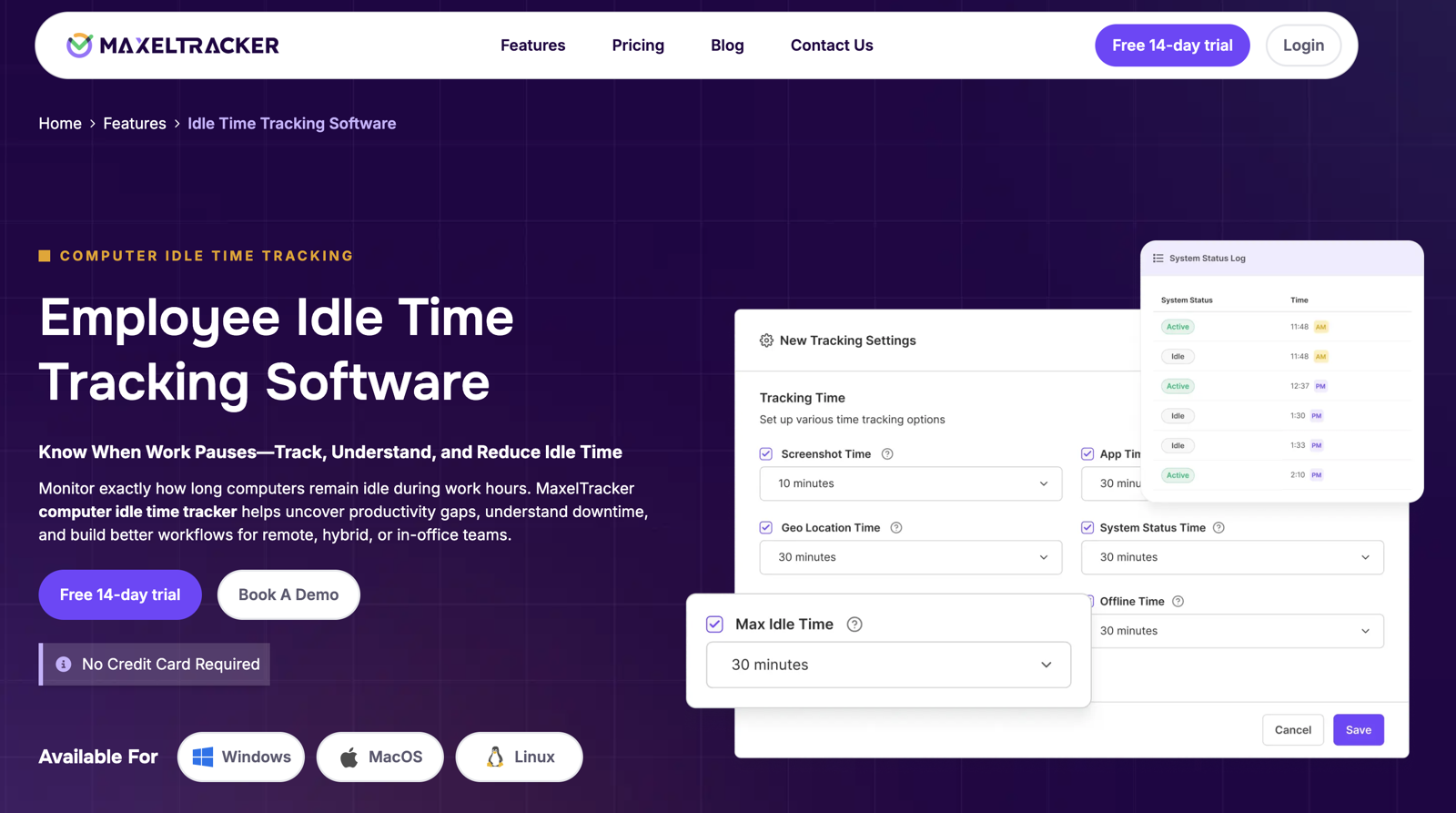
It tells them how to intervene before small productivity gaps turn into big problems. You can see live activity, idle time, attendance, and generate reports without having to decipher cryptic productivity scores and numbers.
It also includes apps and website tracking, giving managers a clear picture of how digital tools are being used.
Time Doctor: For Lawyer Hour Tracking
Its strength is tracking lawyer hours and providing you with correct productivity scores.
Perfect if your goal is to just log time or generate summaries at the end of the week. But for all those managers who want to understand employee/trainee behavior and improve workflows immediately, Time Doctor alternatives like MaxelTracker would remove the extra steps and provide actionable insights right away.
Ready to Switch to MaxelTracker?
Switching to MaxelTracker is like upgrading from an old Chevy to a new Tesla. You get live visibility, faster automated attendance, and meaningful reports without having to train your team. There is no new HR process or a long wait for a summary. Within hours of setting it up, your managers can start seeing where work is being done, who’s sitting idle. They can also discover which projects need more attention. This is especially useful if your team is hybrid, remote, or scattered across the country or beyond. And the best part is that it doesn’t make your lawyers/employees feel like they’re starring in a workplace reality show because with MaxelTracker, you get privacy along with transparency.
Why MaxelTracker Clearly Stands Out
1. Real-Time Screen Monitoring & Activity Tracking
Here’s the big difference: Time Doctor gives you a batch of screenshots at intervals, as you know, which is useful if you like piecing together what your team did during the week. You have to act like a detective with a magnifying glass. But MaxelTracker goes a step further. Your managers can see live screens or configure automated screenshots at intervals, complete with active apps and website tracking. So there’s no guessing, no post-analysis headaches. It is more of instant clarity. It’s the difference between watching a slow-motion replay and seeing the game live, in real time.
2. Advanced Productivity Analytics
MaxelTracker categorizes the apps and websites that you use into productive, neutral, or unproductive automatically, and this gives you context for how your team is spending its time. Instead of just raw numbers you get clearer data to work on. Are they researching competitors, or doomscrolling social media? MaxelTracker tells you everything. With visual charts and department-level analytics, you can spot distractions, bottlenecks, and trends. Unlike Time Doctor, which gives you scores that often feel like school grades, MaxelTracker converts activity into insights so that you can actually act on the same day.
3. Attendance, Overtime & Idle Time Automation
If you’ve ever wrestled with attendance logs, you know how frustrating those timesheets can be. You must have also dealt with the inevitable “I forgot to clock in” emails. It is time to invest in and appreciate MaxelTracker’s automation. It records login/logout times for you, calculates total hours, tracks lawyer/employee overtime tracking, and also flags idle periods automatically. Your managers get instant notifications if any team member has been inactive for too long. This makes it easier for you to redistribute tasks or address potential issues beforehand. Time Doctor also handles attendance, but MaxelTracker combines it with live activity data for a more defined operational picture.
4. System Logs & Performance Tracking
MaxelTracker goes deeper than the surface-level metrics. You can capture system-level data like lock/unlock events, power usage, and other activity logs. These show how your resources and systems are being utilized and where potential workflow interruptions are. This is particularly helpful for hybrid or remote teams. Time Doctor also gives you screenshots and app usage stats, but it has certain limits. It can’t provide the same level of depth to identify system inefficiencies or technical bottlenecks that could decrease productivity.
5. Department & Role-Based Access
MaxelTracker lets you get more visibility into particular departments and/or specific job roles. This means that your team leads can see what’s relevant to them, while admins maintain full control across your law firm. Sensitive information always stays protected, and managers don’t get overwhelmed by irrelevant data. Time Doctor has role-based access too, but MaxelTracker’s approach here is cleaner and easier to navigate, especially for teams with multiple layers of oversight that are looking to grow.
6. Geo-Location Tracking & Remote Coordination
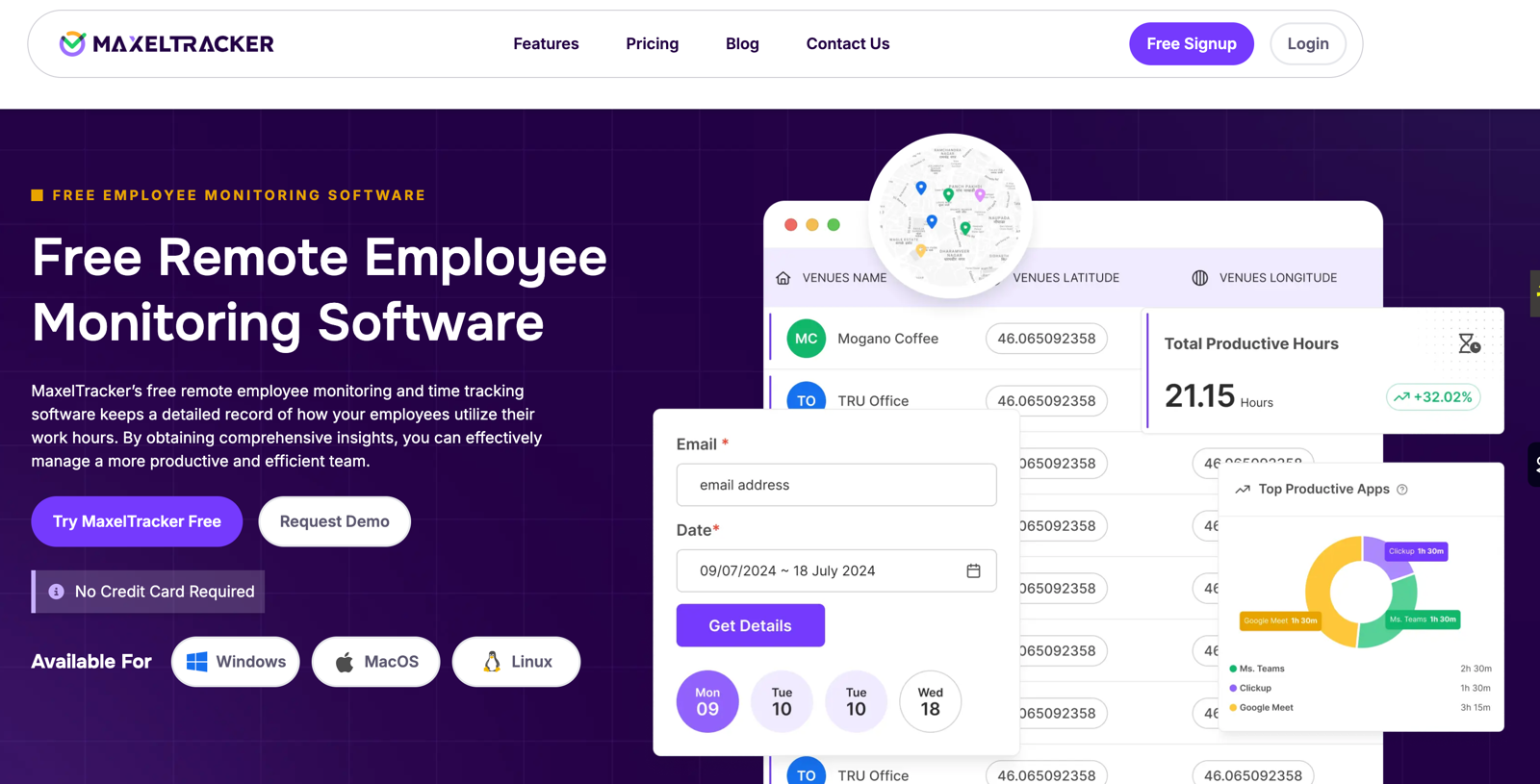
MaxelTracker offers real-time location tracking for hybrid and field teams. You know where lawyers/employees are working and can coordinate tasks accordingly. Sales teams, field service staff, and remote clerks/employees all benefit from this feature. Time Doctor also offers some location tracking, but it’s rather limited, and combining it with their productivity metrics isn’t always seamless. With MaxelTracker, you can make location and activity data work together. This gives you a complete picture of team performance.
7. Comprehensive Reporting & Instant Alerts
MaxelTracker brings high-level reporting to the table as it turns raw data and numbers into readable reports that are clear, actionable, and easy to interpret. With just a single glance, you can see paralegal/employee attendance, productivity, idle time, and apps and website tracking. You can also set alerts for inactivity, policy breaches, or extended work hours. Time Doctor reports are functional. They are also more summary-oriented, which may require extra interpretation on your part before you can make any critical decisions.
8. Simple, Scalable & Privacy-Focused
You’ll find that MaxelTracker is ready to use almost immediately. You can also scale it smoothly as your teams grow. Privacy is built in, with screenshot blurring, encryption, and a configurable monitoring function.
Pricing: Time Doctor vs MaxelTracker
1. Time Doctor
Time Doctor’s pricing varies by plan:
Basic Plan: $10 per user/month – includes time tracking software, screenshots, reporting
Standard Plan: $15 per user/month – adds project management, mobile support, and more extensive reporting
Premium Plan: $20 per user/month – advanced integrations, priority support, dashboards
As features increase, the total cost rises, which can make budgeting tricky for teams that want all the bells and whistles.
2. MaxelTracker
Free 14-Day Trial: up to 10 users
Business Plan: $2.50 per user/month (discounts often available)
All features included: real-time tracking, live screens, system logs, attendance automation, idle time alerts, department reporting, geo-location tracking
One plan, full access, no hidden tiers
Key Difference
Time Doctor offers multiple tiers, which might often force teams to pay more for additional features. MaxelTracker gives you full functionality upfront at a lower price, providing better value and faster time-to-insight. It is a top choice among Time Doctor alternatives.
Conclusion
Time Doctor works well for basic time tracking software, screenshots, and generating productivity scores. But MaxelTracker works a little differently. It goes a step further by offering live monitoring, automated attendance, system logs, and geo-location tracking, all the while keeping the platform easy to use. For managers who want clarity, actionable insights, and immediate operational visibility, MaxelTracker is the smarter, slightly favored choice.





Write a comment ...