
Ever opened your payroll report at the end of the month and thought – “Where did that overtime come from?” – you’re not alone. Unplanned labor costs, payroll errors, and old spreadsheets are still eating up hours for managers across the UK every week. Overtime isn’t just a numbers game; it’s a compliance one. Under UK employment law, employers must ensure that working hours and pay adhere to the Working Time Regulations 1998 and the National Minimum Wage Act. Accurate time records are key to proving compliance, managing costs, and protecting both employees and employers. That’s where modern overtime tracking software comes in. The right system helps UK businesses stay compliant, reduce payroll errors, and prevent costly surprises. It integrates with your existing tools, calculates overtime automatically, flags up potential issues early, and ensures everyone can see that the hours and the pay add up perfectly.
What is Overtime Tracking Software?
Overtime tracking software is designed to record employees’ working hours accurately and calculate their pay for each pay period. It uses your company’s policies to identify overtime and applies the correct pay rates for both standard and overtime hours.
In the UK, that means hours worked beyond the standard working week as defined in your employment contracts or the Working Time Regulations 1998 are tracked and paid correctly. It can also handle variations such as weekend rates, night shifts, or public holiday pay. Employees are paid fairly, and employers are compliant with wage and hour laws. The best overtime tracking systems do more than just calculate hours. They flag when employees are approaching overtime limits so managers can adjust the schedule before costs get out of control. They also produce audit-ready reports, so record keeping is simple, and employers can meet the legal requirements for time and pay documentation.
When implemented effectively, time tracking software is part calculator, part early warning system, and part insurance policy, helping UK businesses save time, control labor costs, and stay on the right side of employment law.
Benefits of Using Overtime Tracking Software
Manually tracking overtime - whether it's on your own or just with a spreadsheet - is a right old chore and a bit of a gamble. One little slip up and before you know it you're staring down the barrel of payroll disputes, budgeting blunders, or even some seriously nasty compliance issues
Overtime tracking software- takes the pressure off by doing the whole thing for you behind the scenes, working out the hours with no room for error, spotting potential problems before they become major issues, and keeping all your records scrupulously clean and in order.
You get reliable payroll every time with this - no more faffing around with manual calculations and all the human error that comes with them. Automated overtime tracking means your hours, your overtime, and any enhanced pay rates are all worked out with spot-on precision and a full view of what's going on. That means no frantic last-minute payroll re-do's, no arguments over pay slips, and you get to sleep easily knowing that everyone is being paid properly.
Lower Your Labor Costs - Overtime often sneaks up on you - the odd early start, the late finish that slips through, or just a shift tacked on while juggling things on the wing manually. Before you know it, that's eaten into your labor budget for the week. Modern time tracking tools do help you keep those costs in check. They send you real-time alerts when an employee is getting close to going over time, so you can get in there and adjust shifts, reassign work, or send someone home before the extra hours start piling up.
Built-In Compliance- UK employers must comply with the Working Time Regulations and National Minimum Wage Act, ensuring staff don’t exceed legal working limits and are paid correctly for their hours. The best overtime tracking software makes your life easier by automating time tracking & compliance so you never have to deal with a paperwork headache again.
Reducing Time Theft - some tools even have clever features like GPS check-ins, geofencing, and time limits on punch-in / out to help prevent people from clocking in for their mates or just messing around before their shift starts. It's all about making sure employees get paid only for the hours they actually put in, not extra for just turning up early or leaving late, or having someone else clock them in & out.
Software for monitoring overtime takes a load off when it comes to tedious admin jobs like payroll reports, making changes, and getting things approved.
Your managers shouldn't waste time tinkering with spreadsheets each pay week. They recover the time they need to create effective schedules, mentor employees, and assist with managing your company with the correct tools.
The Top 6 Software for Overtime Monitoring
With so many tools available, it might be difficult to choose the best one. We've compiled a list of the top six overtime monitoring software choices to assist. Each has unique qualities and a track record of dependability for companies trying to manage labor expenses.
1.MaxelTracker
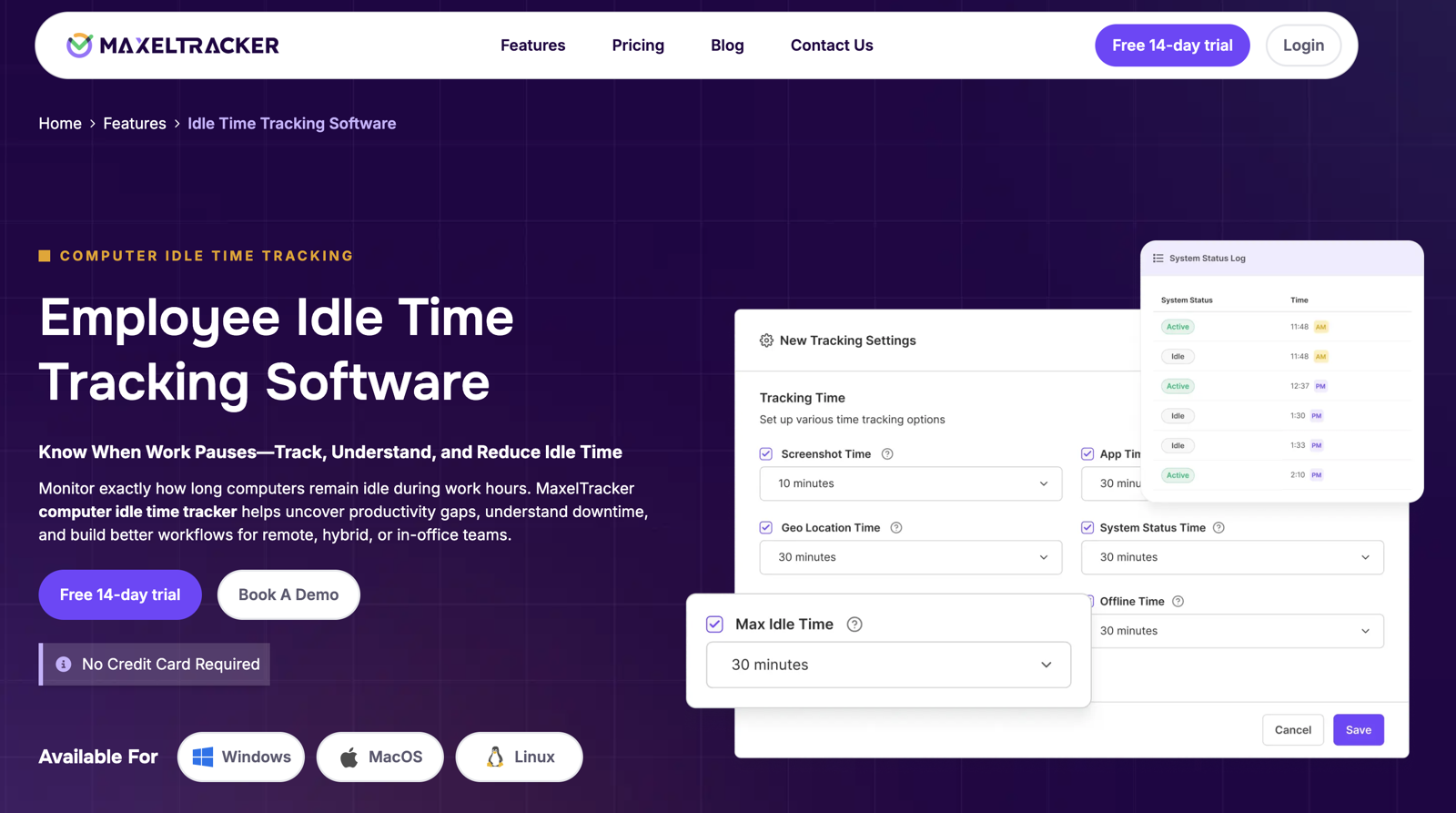
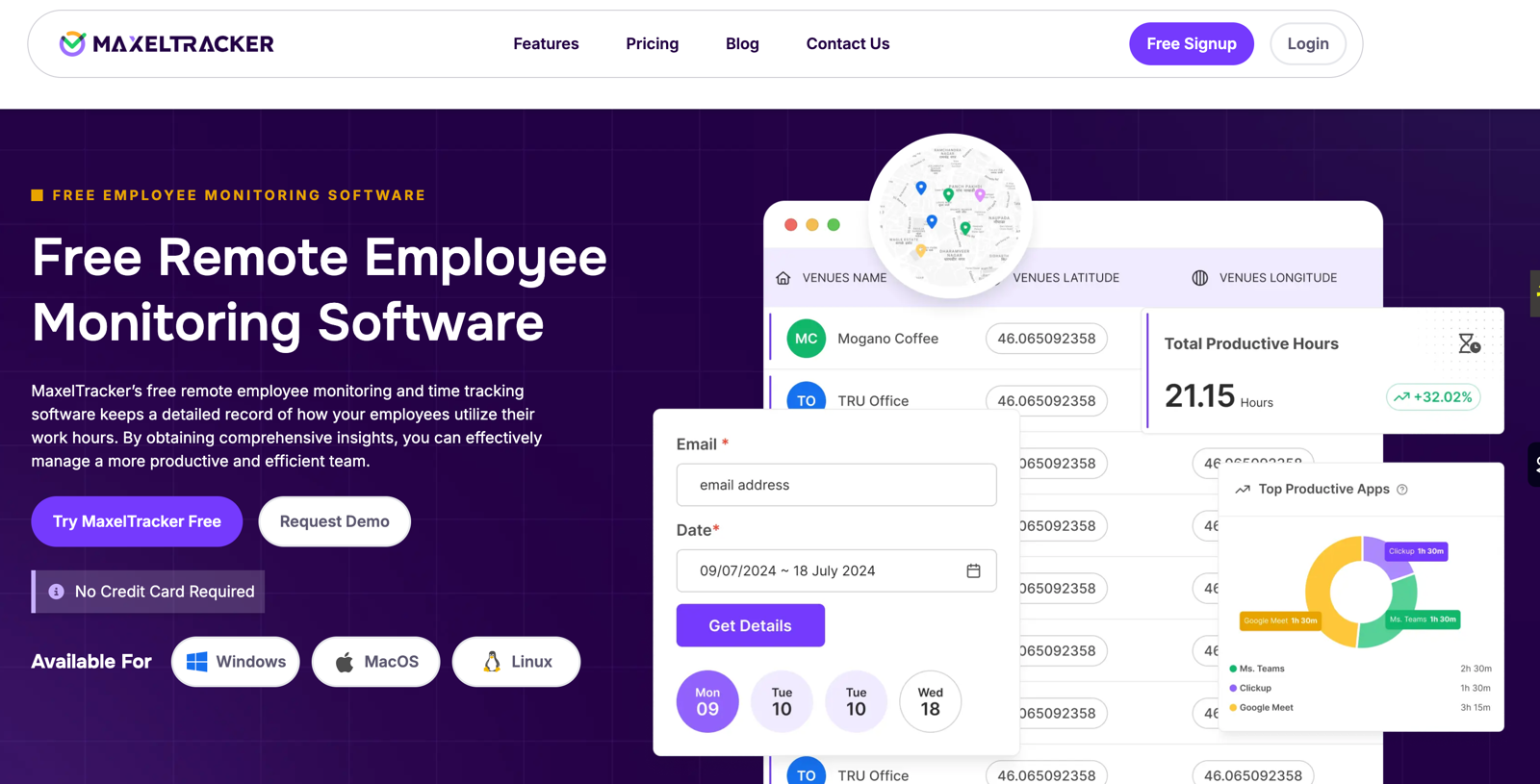
MaxelTracker is a top-notch tool for keeping an eye on your team's overtime and productivity - it lets you see exactly what they're up to from one easy-to-use dashboard. You can use it to track work hours, spot overtime, manage attendance, and even get insight into how productive your team is - all from one simple platform. With auto time tracking, live screen monitoring & proper reporting, MaxelTracker makes sense of workforce management, takes the guesswork out of productivity analysis, and does it all without you having to lift a finger. And it's not just for teams based in one place either - MaxelTracker works just as well for people working from home as it does for teams on-site. It’s got all the features you need to track attendance, monitor app and website use, track people’s locations & even take automated screenshots to keep everyone on the ball. Its insights will give managers the data they need to make smart decisions, see where the team needs help, and make sure the schedule is running smoothly.
Pros
Comprehensive Monitoring: Tracks active hours, idle time monitoring, applications, and websites to give a complete picture of employee productivity.
Accurate Time and Attendance: Automatically records time worked, overtime, and attendance data, reducing manual errors and payroll discrepancies.
Real-Time Insights: Provides live dashboards and department-wise reports that make it easy to spot trends and manage team performance proactively.
Cons
No Mobile App: Currently, MaxelTracker is accessible only via desktop; a mobile version is not yet available.
Pricing
MaxelTracker offers flexible pricing plans based on team size and feature requirements. Businesses can explore the platform through a free 14-day trial before choosing a paid plan tailored to their needs.
2. Harvest
Harvest is a super flexible tool for tracking time and doing some basic project management, making the workflow a lot smoother. It lets teams clock in, see what worked well on previous projects, and get invoicing & payment all in one place. Plus, it integrates with all the other tools you’re already using, like Asana, Slack & the rest, so it plays nice with your existing workflow. And let’s not forget the reports - clear and visual, and perfect for keeping the team on track. On top of all that, Harvest can even turn all those hours and expenses into a professional-looking invoice, with built-in options to get paid online & get cash in the bank sooner.
Pros
Accurate Time Tracking: Harvest’s built-in reminders and auto-adjustment features make it easy to log time correctly and consistently.
Smooth Integrations: Connects effortlessly with major project management and communication tools, ensuring a unified workflow across platforms.
Simple and Intuitive: Quick to set up with straightforward timesheet entry and task allocation functions, making it user-friendly even for first-time users.
Cons
Limited Viewing Options: Harvest currently provides only a one-day view, with no calendar or monthly summary options for broader time insights.
Less Ideal for Internal Teams: It’s primarily designed for client-based agencies and service providers, so in-house departments may find its structure less suited to their needs.
Pricing
Harvest offers three pricing tiers: a free limited plan, $11/month for individual users, and $11 per person/month for teams.
3. Clockify
Clockify is a free and flexible overtime tracking app for teams of all sizes across all industries. It helps you track work hours, set hourly rates, and manage tasks, whether you’re part of a digital agency, nonprofit or educational institution. With features like customizable reports, billable hours tracking, and cross-device access, Clockify makes it easy to monitor productivity and keep accurate time records.
Pros
User-Friendly and Cost-Effective: Clockify has a simple interface and a powerful free plan with lots of features. Signing up is quick, organizing tasks is easy, and the mobile app allows teams, especially remote or field workers, to track time from anywhere.
Strong Knowledge Base: The platform has an extensive Help section with guides, tutorials, and documentation to help you get the most out of its features.
Simple Billing and Invoicing: Clockify simplifies billable hour tracking and allows you to generate invoices from your logged time, perfect for freelancers and agencies.
Cons
Complex Reporting: Some users find the reporting options confusing, which can make it hard to extract insights from logged time data.
Editing Limitations: Editing time entries can be cumbersome, especially if you forget to start or stop the timer.
Pricing
Clockify offers a free version with robust features and a paid plan starting at $5.49 per user per month.
4. TimeCamp
TimeCamp is a flexible and affordable overtime tracking solution designed for teams of all sizes. It offers accurate timesheets, detailed performance reports, and automatic real-time tracking, helping businesses analyze profitability and forecast workloads more effectively. With seamless integrations across popular project management and productivity tools, TimeCamp serves as a complete system for both office-based and remote teams looking to optimize time and boost efficiency.
Pros
Intuitive and Easy to Use: TimeCamp’s clean, user-friendly interface makes tracking time and managing projects straightforward. It also integrates effortlessly with tools like Asana, ensuring a smooth workflow.
Boosts Focus and Productivity: Users love how TimeCamp helps them stay on task, track project progress, and review weekly reports so teams can improve productivity and accountability.
Dependable Performance and Support: With reliable uptime and responsive customer service, TimeCamp ensures consistent access and timely assistance whenever needed.
Cons
Higher Pricing for Some Plans: Some users think TimeCamp’s paid plans are a bit pricey compared to other tools, so they look for alternatives.
Editing Limitations: Editing time entries, especially for accidental tracking, can be tricky. Sometimes glitches can also cause timers to malfunction and affect tracking accuracy.
Pricing
TimeCamp offers a free plan, with paid options starting from $2.99 per user per month (Starter), $4.99 (Premium), and $7.99 (Ultimate).
5. Insightful
Insightful is a powerful workforce analytics and productivity platform designed to help organizations optimize performance through actionable data insights. It combines employee productivity tracking, automatic time tracking, and remote team management to improve efficiency and streamline workflows.
Trusted by more than 1,000 global brands, Insightful delivers detailed behavioral analytics that help businesses understand how work gets done. Available as both a Cloud and On-Premise solution, it offers enterprise-grade security and data privacy, making it ideal for companies that prioritize control and compliance.
Pros
Accurate Time Tracking: Insightful’s intuitive interface allows employees to start and stop timers, switch tasks, and record breaks with ease, ensuring precise time logs.
Highly Customizable: The platform provides flexibility to tailor features such as goal setting, project deadlines, and automated reminders for breaks or specific tasks.
Comprehensive Monitoring: With advanced website and application tracking, Insightful gives managers clear visibility into employee activity and productivity patterns.
Cons
Feature Gaps: Some users note the absence of features like attaching website URLs directly to projects.
Limited User Management: Once users are merged, they cannot be unmerged; deactivation is currently the only available option.
Pricing
Insightful plans start at $6.40 per user per month.
6. Toggl Track
Toggl Track is a flexible and easy-to-use time-tracking app built to enhance productivity for both individuals and large, cross-functional teams. It offers real-time tracking, cross-device synchronization, and detailed reporting, making it simple to manage time and projects efficiently.
By automating time tracking and reducing manual admin work, Toggl Track helps users focus on meaningful tasks. It integrates seamlessly with popular project management and invoicing tools, making it an excellent choice for businesses, freelancers, and consultants alike who need accurate insights into how time is spent.
Pros
Simple Task Tracking: Toggl Track makes it effortless to log activities, review time allocation, and identify opportunities to improve focus and productivity.
Smooth Integrations: The platform connects easily with tools like Asana and other major project management systems, allowing teams to manage time within their existing workflows.
Generous Free Plan: Its free version includes robust features and supports up to five users, making it ideal for individuals or small teams getting started with time tracking.
Cons
Learning Curve: Some users find Toggl Track tricky to navigate at first, with occasional issues like lost time entries when timers aren’t started correctly.
No Pause Feature: The lack of a pause button means users must stop and restart sessions, often resulting in fragmented time logs. Editing those entries can also be cumbersome, as minor corrections may revert to default settings.
Pricing
Toggl Track is free for up to five users, with paid plans starting at $9 per user per month.
Conclusion
Excessive employee overtime can quickly drain budgets, but it’s a problem you can prevent. MaxelTracker makes it easy to monitor employee hours, set overtime limits. With clear visibility into work patterns, managers can reduce unnecessary overtime costs, optimize schedules, and ensure fair, accurate pay for every employee.
Among today’s overtime tracking tools, MaxelTracker stands out as a comprehensive workforce monitoring solution. It combines real-time time tracking, overtime monitoring, attendance management, and detailed productivity reports, all in one platform. Beyond tracking hours, MaxelTracker helps teams stay organized, transparent, and efficient, giving businesses complete control over workforce performance at a far more competitive cost than other solutions.







Write a comment ...